
Press kit
Qizoo press kit
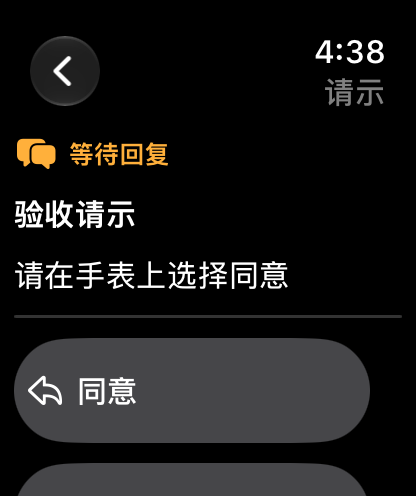
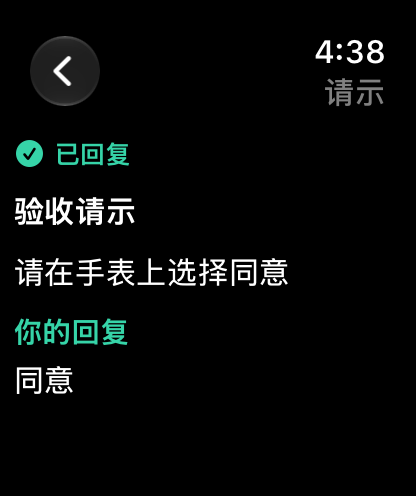
When your AI on the computer stops to ask “should I continue?”, Qizoo puts the question on your Apple Watch.
About Qizoo
In one sentence
When your AI on the computer stops to ask “should I continue?”, Qizoo puts the question on your Apple Watch.
In three sentences
More people now let AI agents work on their computer for long stretches, and the agent often stops to ask a quick question while nobody is there to answer. Qizoo brings that question to Apple Watch: a short question and clear choices appear on the wrist, and one tap sends the answer back to the exact task that asked, so the work continues. Qizoo does not run AI itself; it connects the AI tools people already use, such as Codex and Claude Code.
Longer description
When your AI on the computer stops to ask “should I continue?”, Qizoo puts the question on your Apple Watch. Tap an answer and the same task picks it up and keeps going. It also sends one-way updates when a task finishes. Works with Codex and other AI tools that run terminal commands, such as Claude Code. No account: your AI installs a small CLI, you confirm a code on the watch, done. Qizoo never touches your AI account, API keys or tokens. Only the question your AI writes and your answer pass through Qizoo.
Fact sheet
- Name
- Qizoo (启奏)
- Price
- Free
- Platforms
- Apple Watch (watchOS 10 or later) and iPhone
- AI on the computer
- Codex, plus Claude Code and other AI tools that can run terminal commands
- Account
- No sign-up needed
- App Store
- apps.apple.com/us/app/qizoo/id6838017470
- Website
- qizoo-cn.tipuu.com
- Developer
- Tipuu
- Contact
- support@tipuu.com
App icon and logo

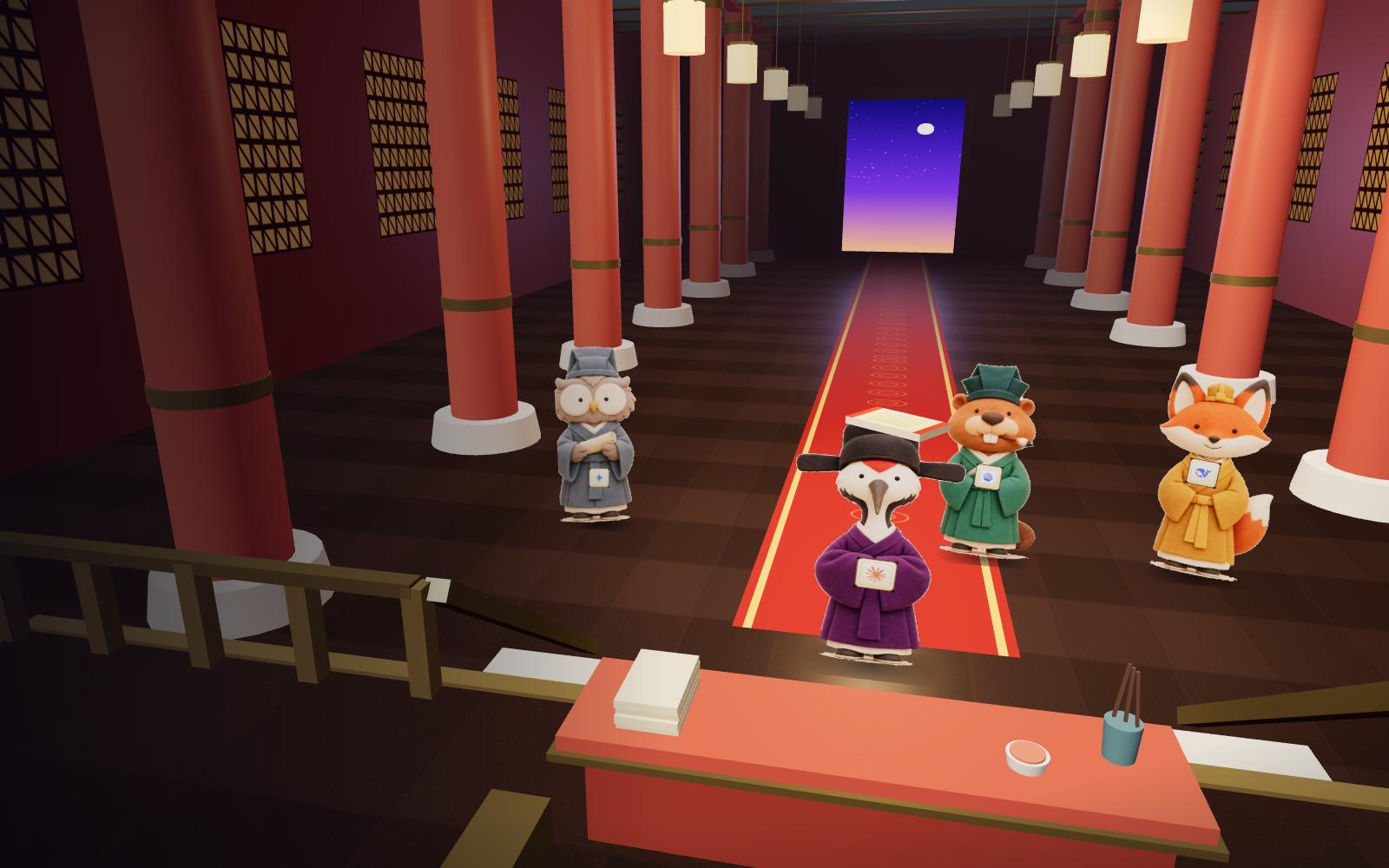
The Qizoo app icon shows the crane chief minister. Download PNG:
Screenshots
30-second demo video
Coming soon
Privacy and security
Qizoo never touches your AI account, API keys or tokens. Only the question your AI writes and your answer pass through Qizoo.
About the maker
Qizoo is made by an independent developer at Tipuu.
Press contact
For interviews, assets or other questions, email